Design widgets, Lock Screens, wallpapers and icons that finally match. Hearts, stars and flowers that float over your wallpaper, plus your real calendar, reminders and birthdays, all made in minutes.
Free to download. iPhone and iPad with iOS 17 or later.
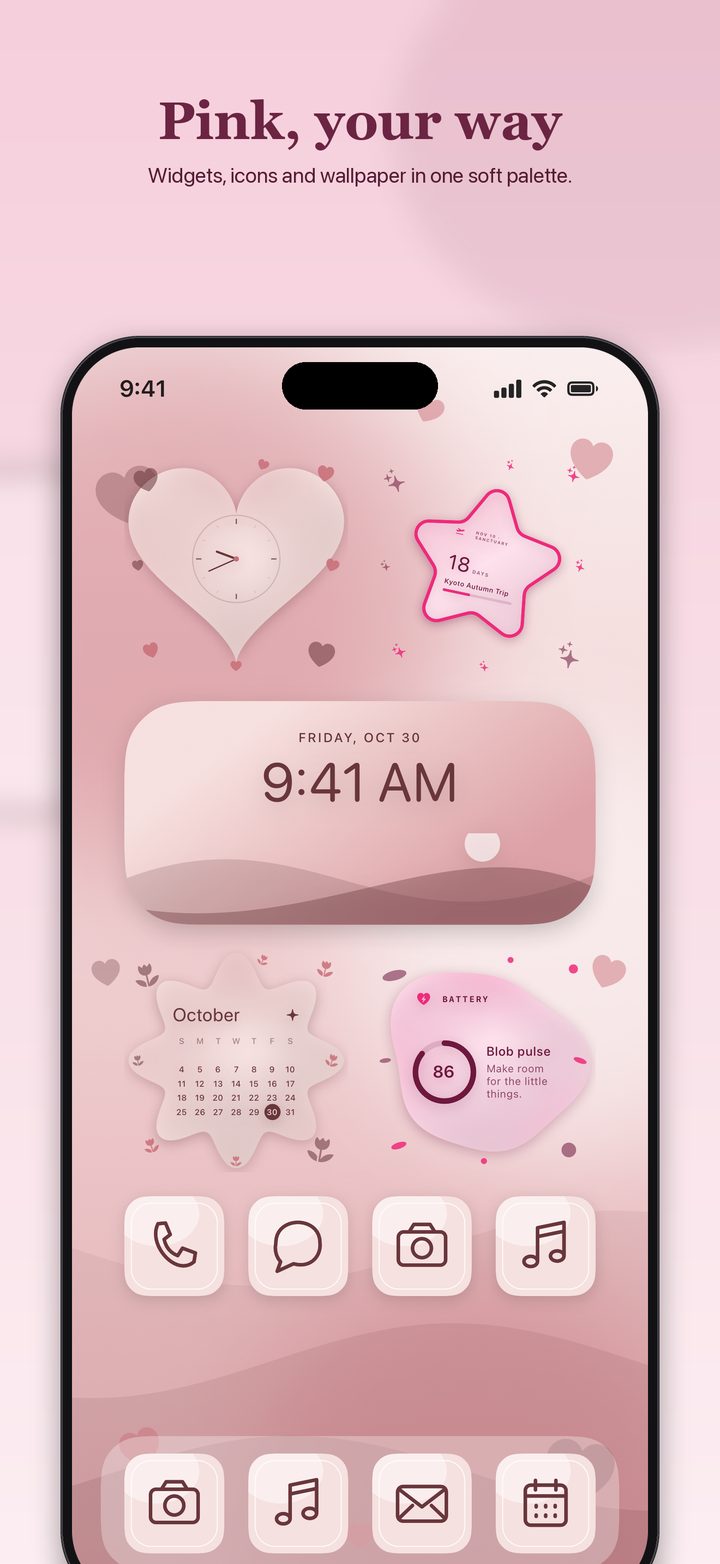
Start from a ready-made design or build your own. Every widget, wallpaper and icon can share the same colors.
Hearts, stars, flowers, arches and more, with stickers and a little tilt. They float over your wallpaper with no box around them.
Calendar, Reminders and Birthdays widgets that show what's actually coming up, kept fresh in the background. Tap a reminder to check it off.
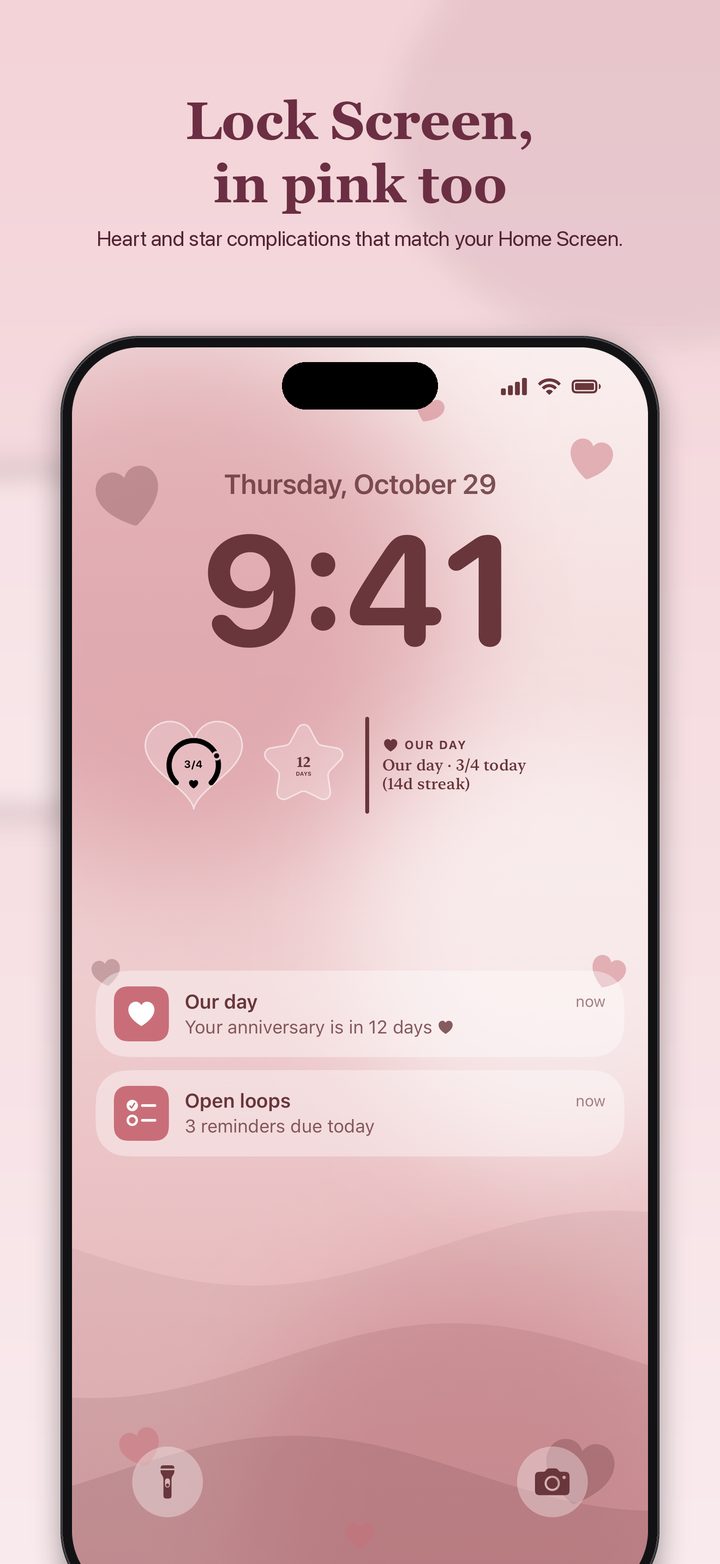
Lock Screen widgets drawn in the same shape and color as your Home Screen, plus StandBy and Now Playing studios.
Aurora, starfields, waves, bokeh and embers that drift all day, and gradients that fit your wallpaper.
Describe the look you want and Forma designs the widget with Apple Intelligence, on your device.
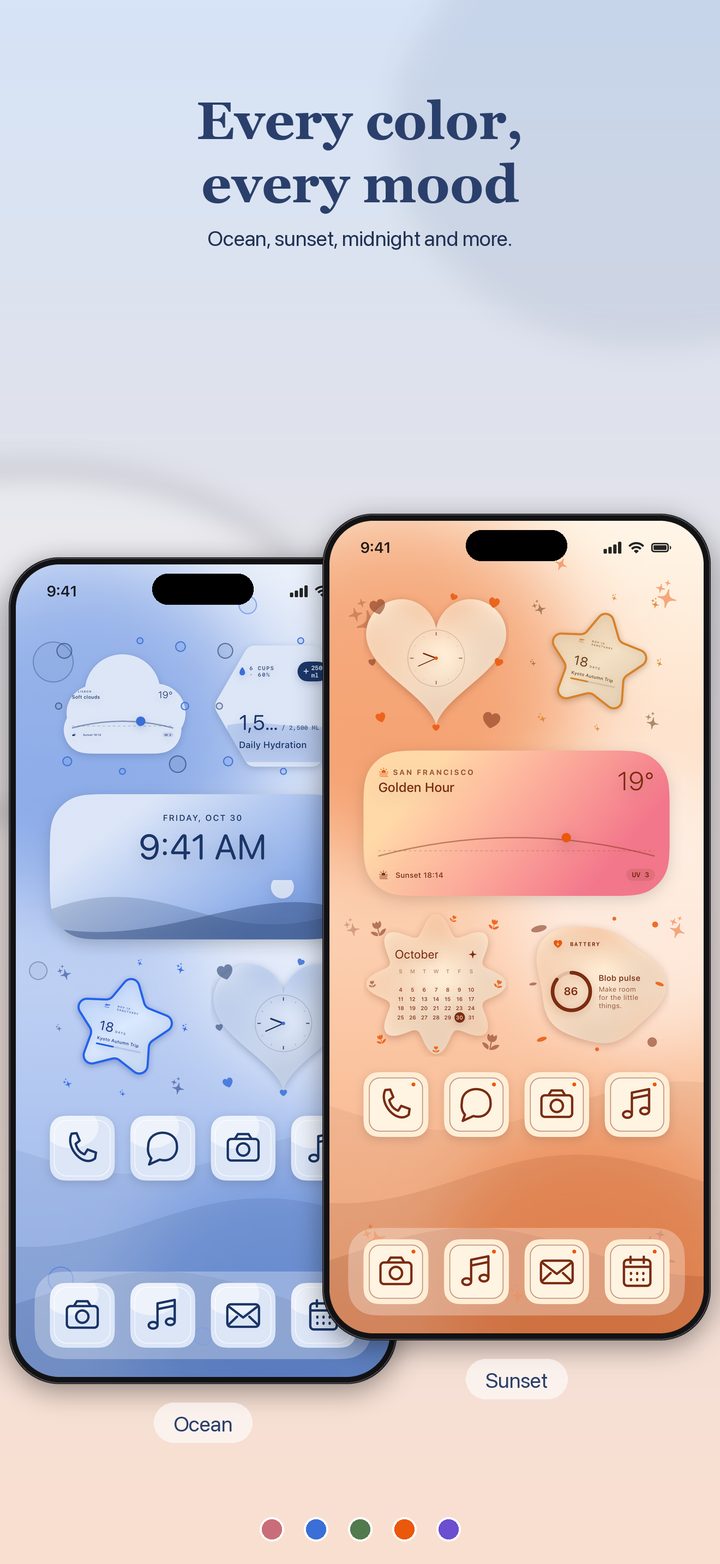
Complete sets of widgets, wallpaper and icons designed together, in Pink, Teal, Blue, Lilac and more.
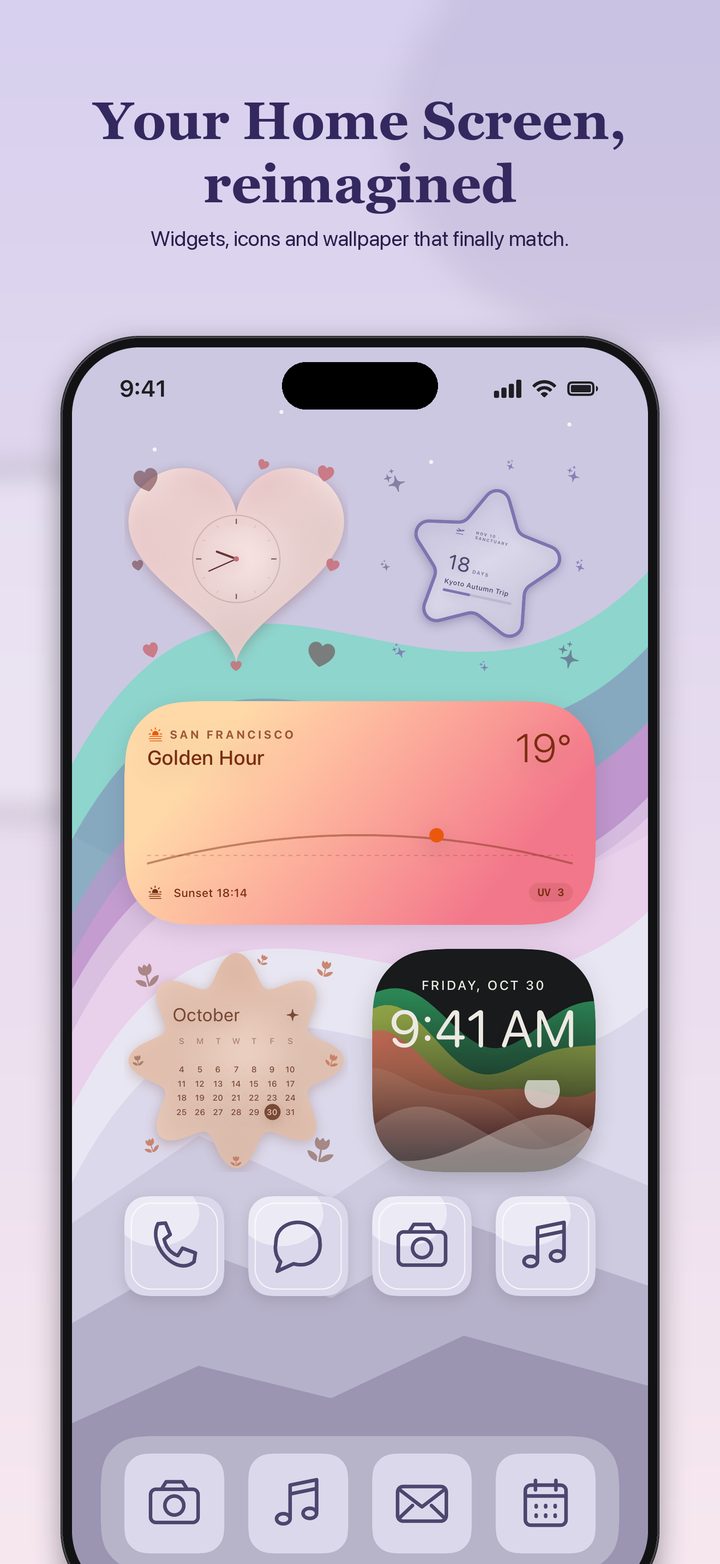
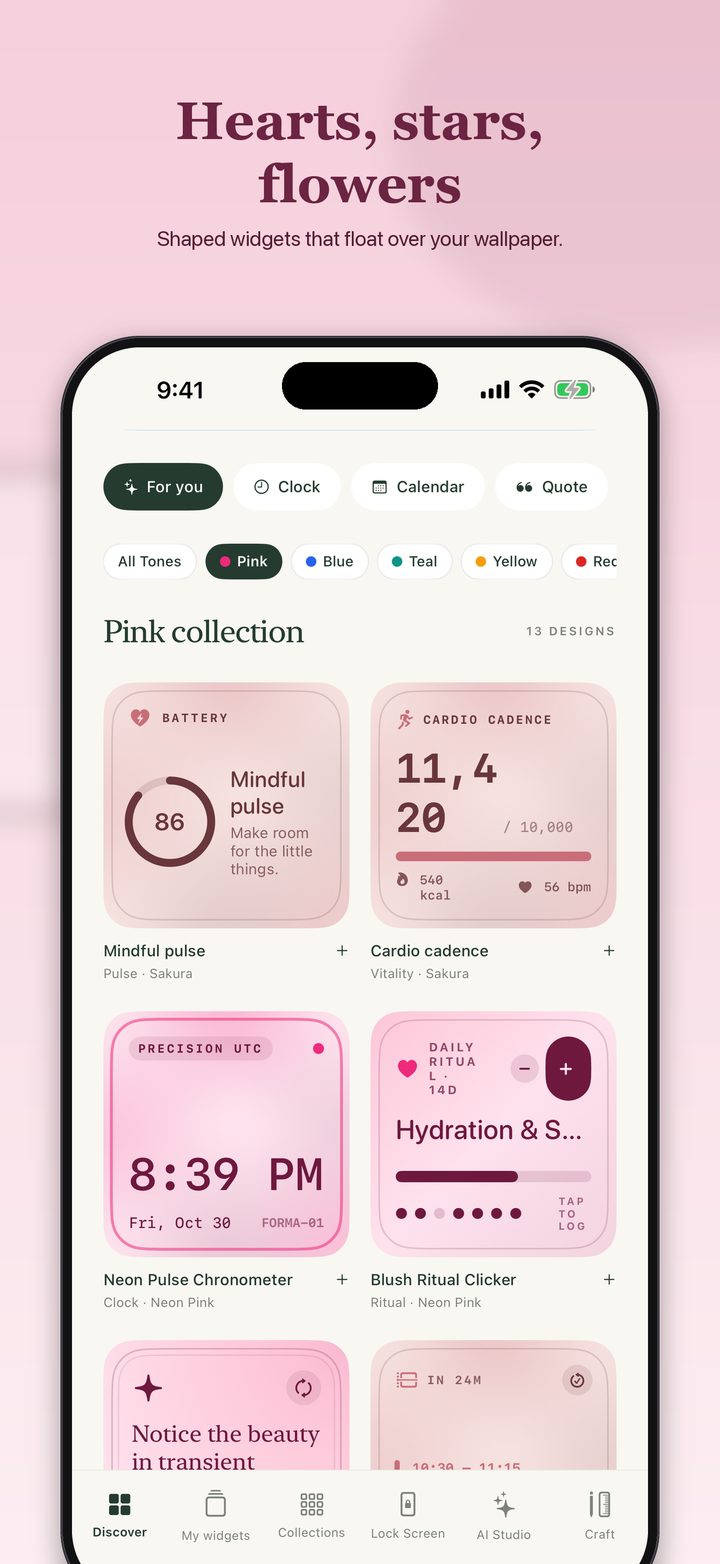
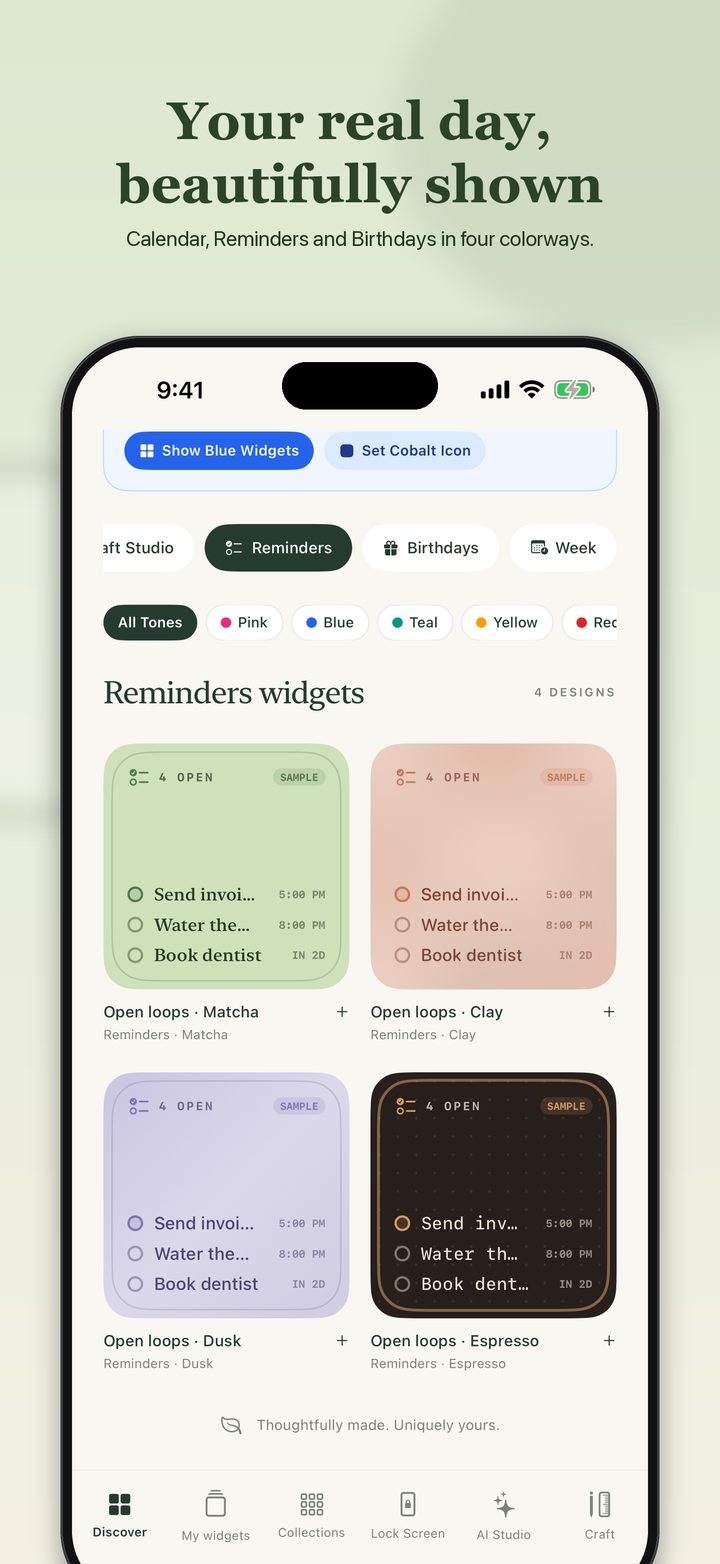
Forma is free to download. Make shaped widgets with every basic design and save up to five. Forma Pro unlocks the rest.
Always free
Annual with a 7-day free trial, or monthly
Prices are shown in the app before you buy. Subscriptions renew until cancelled and can be managed in your Apple Account.
Your calendar, reminders, contacts and photos are used on your device to build your widgets. There is no Forma server to send them to.
No sign-up, no advertising and no tracking. Purchases are confirmed by RevenueCat with an anonymous ID.
Your designs, photos and live data live on your iPhone and are shared only with Forma's own widgets.
Forma asks for Calendar, Reminders, Contacts or Health access only when you add a widget that needs it, and you can turn it off in Settings.
Questions, a bug, or an idea for a widget? Email us and we'll get back to you. Let us know your iOS version and the widget you were using.
Save a design in Forma, then touch and hold an empty spot on your Home Screen, tap Edit, choose Add Widget and pick Forma. Touch and hold the new widget, tap Edit Widget and choose your design. The in-app Setup Guide walks through it too.
Touch and hold your Lock Screen, tap Customize, tap the area below the time and choose Forma. Then pick a design for it. Lock Screen widgets follow the shape and color of the design you choose.
Add a live widget in Forma and allow access when asked. If you said no, go to Settings → Forma and turn Calendar, Reminders or Contacts on. Birthdays come from the birthdays saved in your contacts. Widgets refresh in the background, and iOS decides how often, so changes can take a few minutes to appear.
Widgets in the gallery and editor show sample content, tagged SAMPLE, until you connect your own data. Once access is allowed, the widget on your Home Screen shows your real events, reminders and birthdays.
Pro unlocks unlimited saved widgets, live Calendar, Reminders and Birthdays widgets, the Apple Intelligence widget maker, living backgrounds, custom gradients and complete collections. Shapes, stickers and every basic design are free, and you can save up to five widgets without paying.
Open the Forma app, tap the PRO badge, then Restore. Use the same Apple Account you bought with. To cancel a subscription, open Settings → your name → Subscriptions on your iPhone and choose Forma. Cancel at least 24 hours before renewal to avoid the next charge.
Purchases are handled by Apple. Go to reportaproblem.apple.com, sign in, and choose the Forma purchase.
Your designs, photos and settings live only on your device. Deleting the app deletes them. You can also export a backup from Forma's settings first. See the Privacy Policy for details.
 Forma