Turnip puts 23 games right inside your conversations. Pick a game, make your move and tap Send. Your friend taps the bubble to play back. Every game is free, with no ads and no accounts.
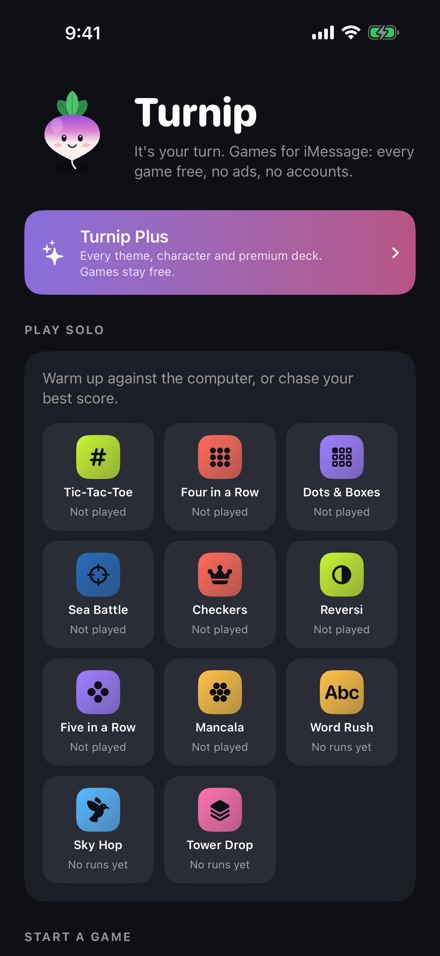
Classics with friends, sweet games for two, and a few you won't find anywhere else.
The whole group chat plays, up to 8 people. Everyone gets the same level, and the bubble keeps a live leaderboard.
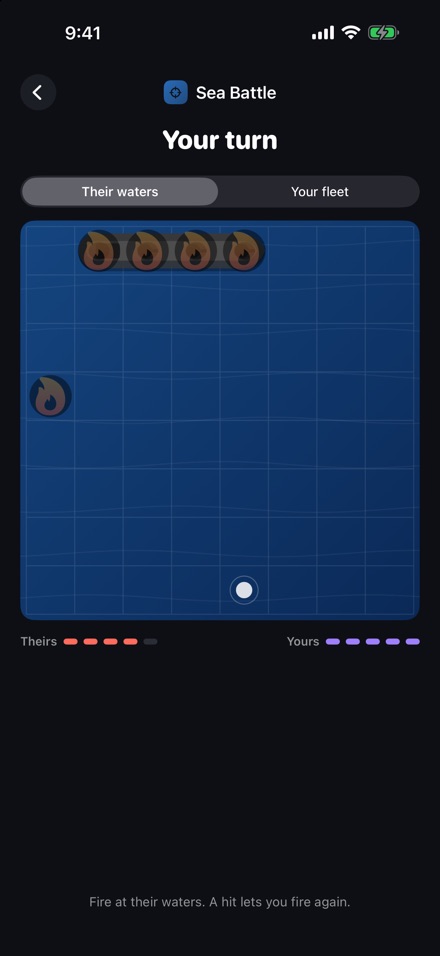
Sea Battle, Four in a Row, Checkers, Reversi, Dots & Boxes, Mancala, Five in a Row and Tic-Tac-Toe.
Word Rush, Sky Hop and Tower Drop. You both get the same level, so the best run wins.
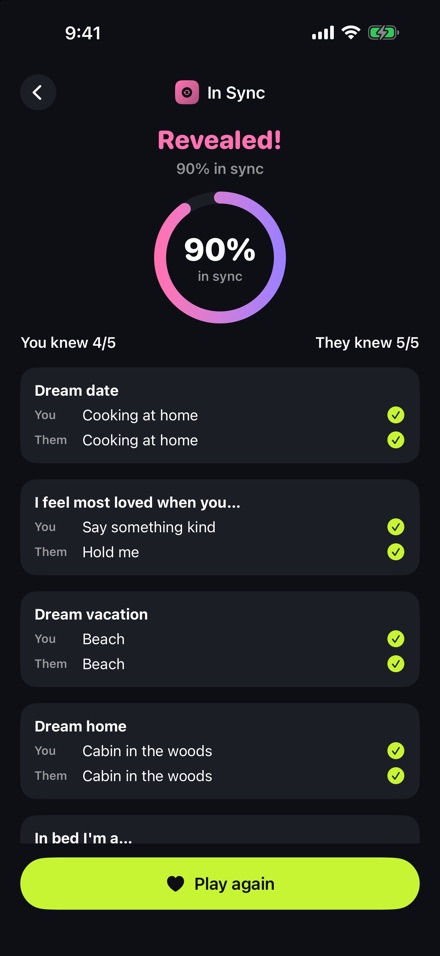
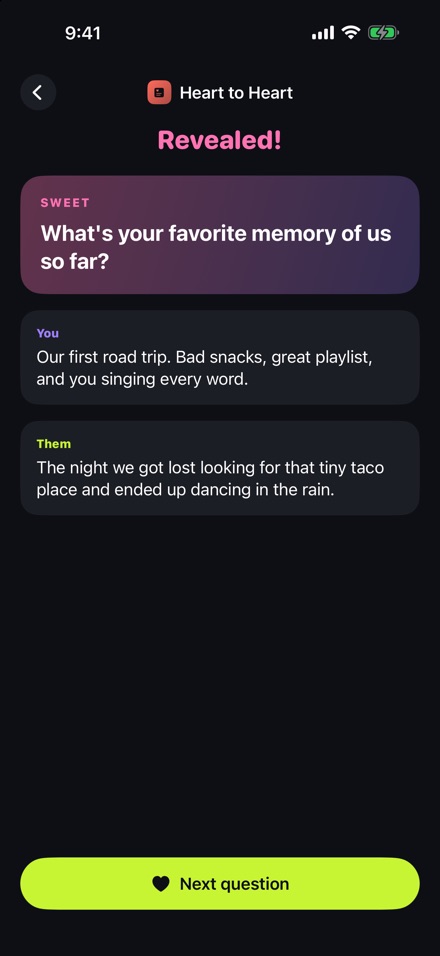
In Sync, This or That, Heart to Heart, Date Match and Sketch & Guess. Answers stay sealed until you've both played.
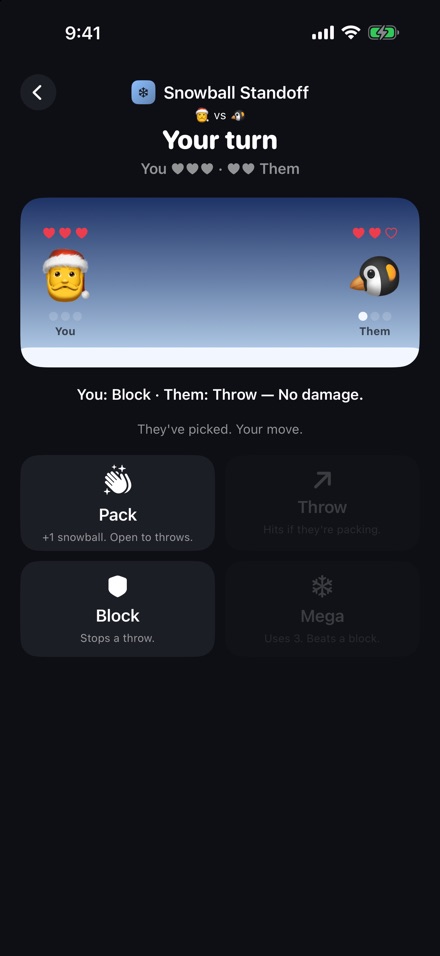
Hot Cracker, Echo Chain, Sleigh Relay and Snowball Standoff, plus a festive theme from December 1 to January 6.
Changed your mind? Take it back before you tap Send. Hidden moves, like Sea Battle shots, stay final.
Win–loss records and daily streaks with each friend, plus a daily challenge where everyone plays the same level.
Games travel inside your messages. There's no Turnip server to send them to.
Each turn is packed into the iMessage you send, so only the people in the conversation see it.
No sign-up, no tracking and no advertising. Ever.
Your records, streaks and best scores live on your device.
Questions, a bug, or an idea for a game? Email us and we'll get back to you. Let us know your iOS version and the game you were playing.
Open a conversation in Messages, tap +, then More and choose Turnip. Pick a game, make your move and tap Send. Your friend taps the bubble to play their turn.
When they tap your game bubble, Messages offers to get Turnip from the App Store. It's free, and they can play their turn right after it installs. Turnip works on iPhone and iPad with iOS 17 or later.
Always open the newest bubble in the conversation. Older bubbles take you to the latest turn anyway, but the newest one shows who's up. Two-player games in a group chat are played by the first two people, and everyone else can watch. To get the whole chat playing, pick a Party game instead.
You can undo most moves before you send them. Moves that reveal something hidden, like a Sea Battle shot or a Snowball Standoff pick, are final the moment you see the result. Otherwise you could undo until you found a hit.
Open the Turnip app and go to Settings → Theme. Automatic switches to Festive from December 1 to January 6. Spooky, Sweetheart and Neon are in the store, or included with Turnip Plus.
Open the Turnip app, tap Store and tip jar, then Restore purchases. Make sure you're signed in with the same Apple Account you bought with. Purchases are one-time, not subscriptions, and they're shared with your Family Sharing group.
Purchases are handled by Apple. Go to reportaproblem.apple.com, sign in, and choose the Turnip purchase.
Your records, streaks and settings live only on your iPhone. Deleting the app deletes them. Games you've already sent stay in your conversations like any other message. See the Privacy Policy for details.
 Turnip