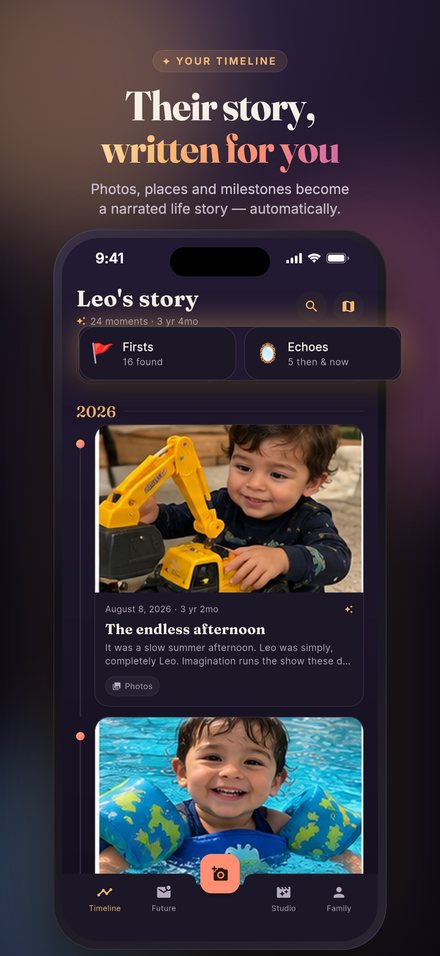
Little Lore turns the photos already on your phone into your child's life story. Search every moment by meaning, discover their firsts, and see how they've grown, all privately on your device.
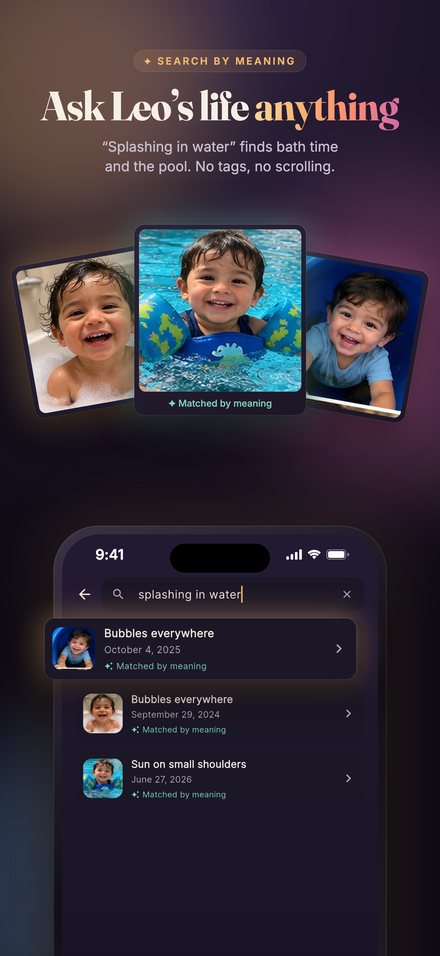
No tags, no albums, no scrolling back through years of pictures.
Type "splashing in water" and find bath time, the pool and the beach.
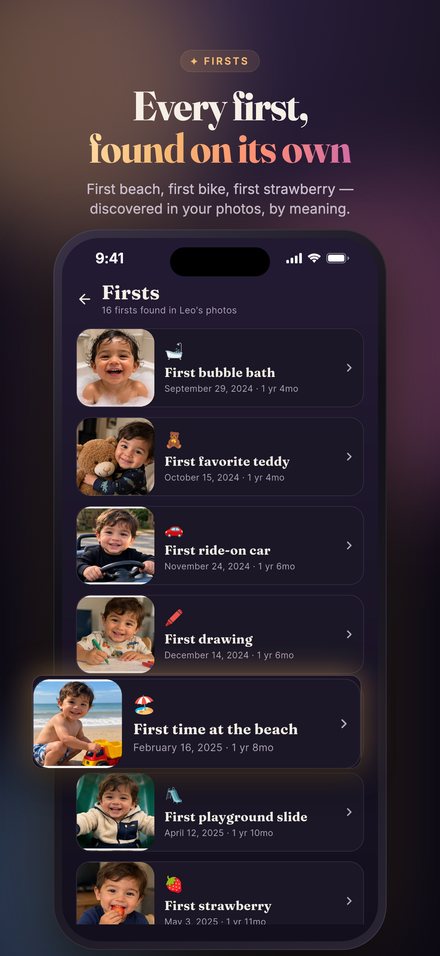
First beach, first bike, first strawberry, noticed in your photos on its own.
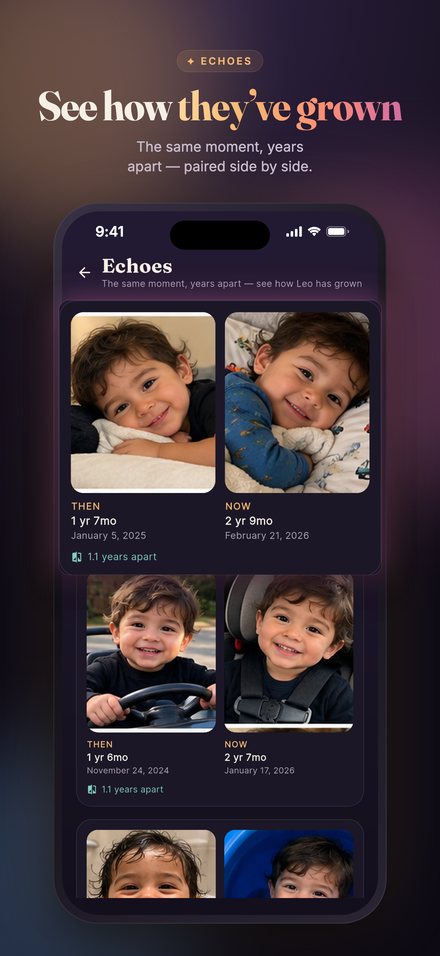
The same pose, place or game, years apart, side by side.
Recognizes your child on your device and leaves everyone else out.
Words, voice and video, sealed until their first day of school or their 18th.
Yearly movies, a printable photo book and a private family website.
Your photos are understood on your phone. Searching never uploads them.
Search, Firsts, Echoes and face recognition run on your phone.
Backups and family sharing are sealed on your device. We can't read them.
No sign-up, no tracking, no advertising. Ever.
Questions, a bug, or an idea? Email us and we'll get back to you. In the app you can also go to Family → Help & support → Contact support, which adds your app version for us.
The private AI model that understands your photos is downloaded once (about 485 MB) and then runs on your phone. Open Search and tap Download, ideally on Wi-Fi. The download can be paused and resumes where it left off.
Add a few more clear, front-facing photos under Family → Face recognition → Add photos. Photos where the face is hidden (sunglasses, sleeping, turned away) can be added by hand from the review screen.
On the first screen, tap "Restore a backup" and enter your recovery key (it starts with MCT-). Keep that key somewhere safe: backups are end-to-end encrypted, so we can't recover it for you.
Go to Family → Family sharing and send them the share key. They install Little Lore, tap "Join as family" and enter the key. Use Pause sharing anytime to stop.
On iPhone: Settings → your name → Subscriptions → Little Lore. On Android: Google Play → Payments & subscriptions → Subscriptions. Cancel at least 24 hours before renewal to avoid the next charge.
Most data lives only on your phone and is deleted when you uninstall. Face data: Family → Face recognition → Forget face data. Cloud backup: turn off cloud backup and choose Delete copy. Family sharing: Pause sharing. See the Privacy Policy for details.
 Little Lore