 Forma
Lock Screen widgets arrived with iOS 16. They sit near the time, not in the app grid. The steps below are Apple's, from the support article dated September 14, 2026, with Forma's own note about where its widget goes. Customizing the wallpaper, the clock font, and the flashlight button is a wider job. That is the customize page.
Add them
- 1Open Customize Touch and hold the Lock Screen until the Customize button appears, then tap Customize.
- 2Tap Add Widgets Tap Add Widgets. The Lock Screen guide also says you can tap widgets that are already there. Forma's own instructions say to tap the area below the time and choose Forma.
- 3Add, and make room if you have to Tap or drag the widgets onto the Lock Screen. If there is no room, tap the Remove button on one you don't need, which is the wording in the September 14, 2026 article.
- 4Leave the editor Swipe down from the widget list, then tap Done.
You can keep more than one Lock Screen. The User Guide says to touch and hold, swipe to the one you want, and tap it. If that Lock Screen is linked to a Focus, switching screens also switches the Focus.
Forma on the Lock Screen
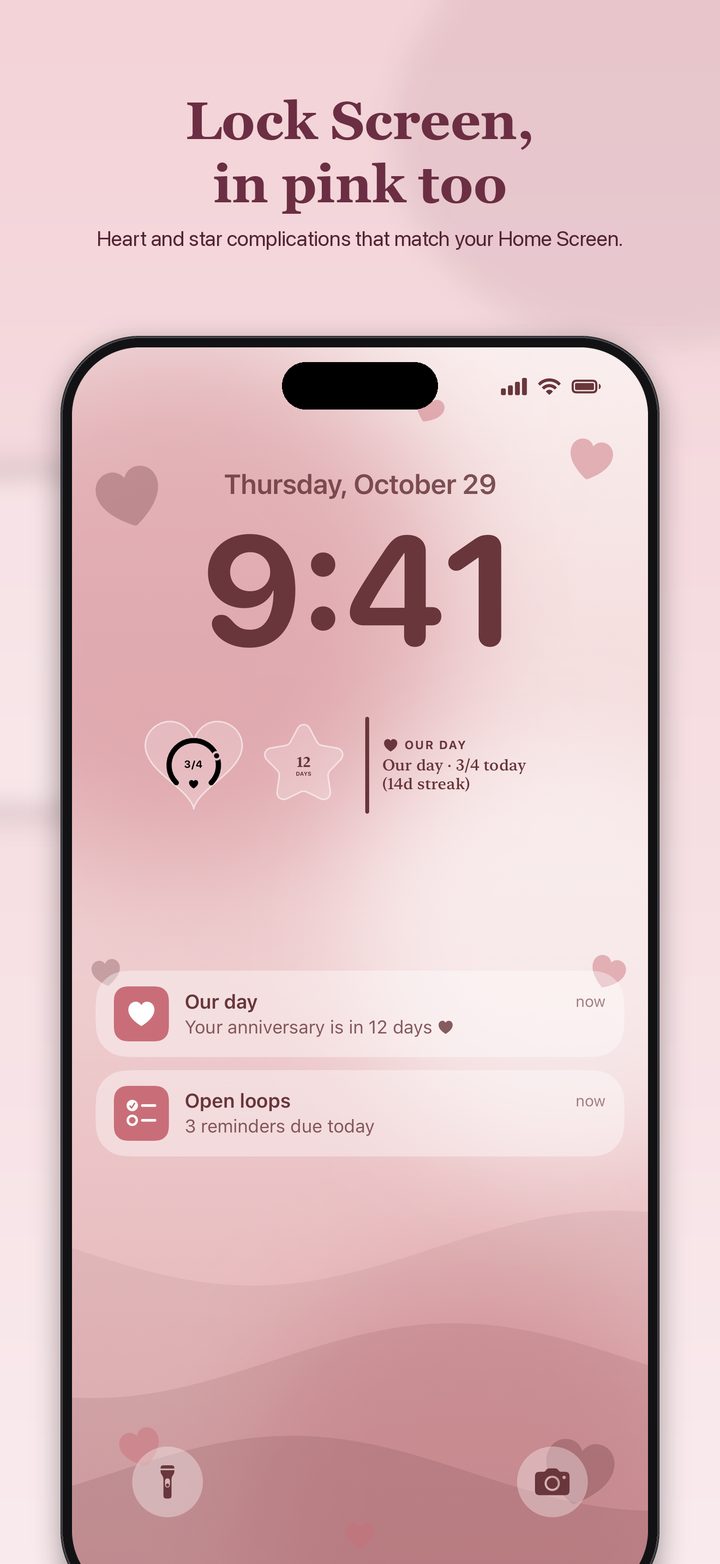
The app listing says Lock Screen widgets are drawn in the same shape and color as the Home Screen design. Forma's site tells you to touch and hold, tap Customize, tap the area below the time, and choose Forma, then pick the design. That is more specific than Apple's Add Widgets step, and it is the app's own instruction, so if the area below the time is the control you see, use it.
Live Calendar, Reminders, and Birthdays are listed as Forma Pro. The free app still saves five widgets and includes Home Screen and Lock Screen widgets made from the basic designs. If a Lock Screen widget shows SAMPLE, the design is still on the gallery placeholder. Forma's FAQ says the real events show up after access is allowed, and that iOS chooses the refresh.
Questions
Which iOS has Lock Screen widgets?
Apple's support article says iOS 16 or later. Forma itself requires iOS 17 or later, so a phone that can run Forma can add Lock Screen widgets.
Can Lock Screen widgets do as much as Home Screen widgets?
They are smaller, and the listing's examples of what people glance at are temperature, air quality, battery, and calendar. Forma says its Lock Screen widgets follow the shape and color of the design you pick. The listing also names StandBy and Now Playing studios in the app. This page does not invent a separate StandBy button path.
Sources
- Apple Support, widgets on the Lock Screen. iOS 16 or later. Customize, Add Widgets, Remove, Done. Published September 14, 2026.
- iPhone User Guide, Create a custom Lock Screen. Add Widgets, several Lock Screens, and Focus.
- Forma. Tap the area below the time and choose Forma. Lock Screen widgets follow the design's shape and color.
Pages and prices were checked November 19, 2026. A store price can change, and a support page can be revised. The link is the record.